Growth Engineering LMS
Hardwired for High-Performance
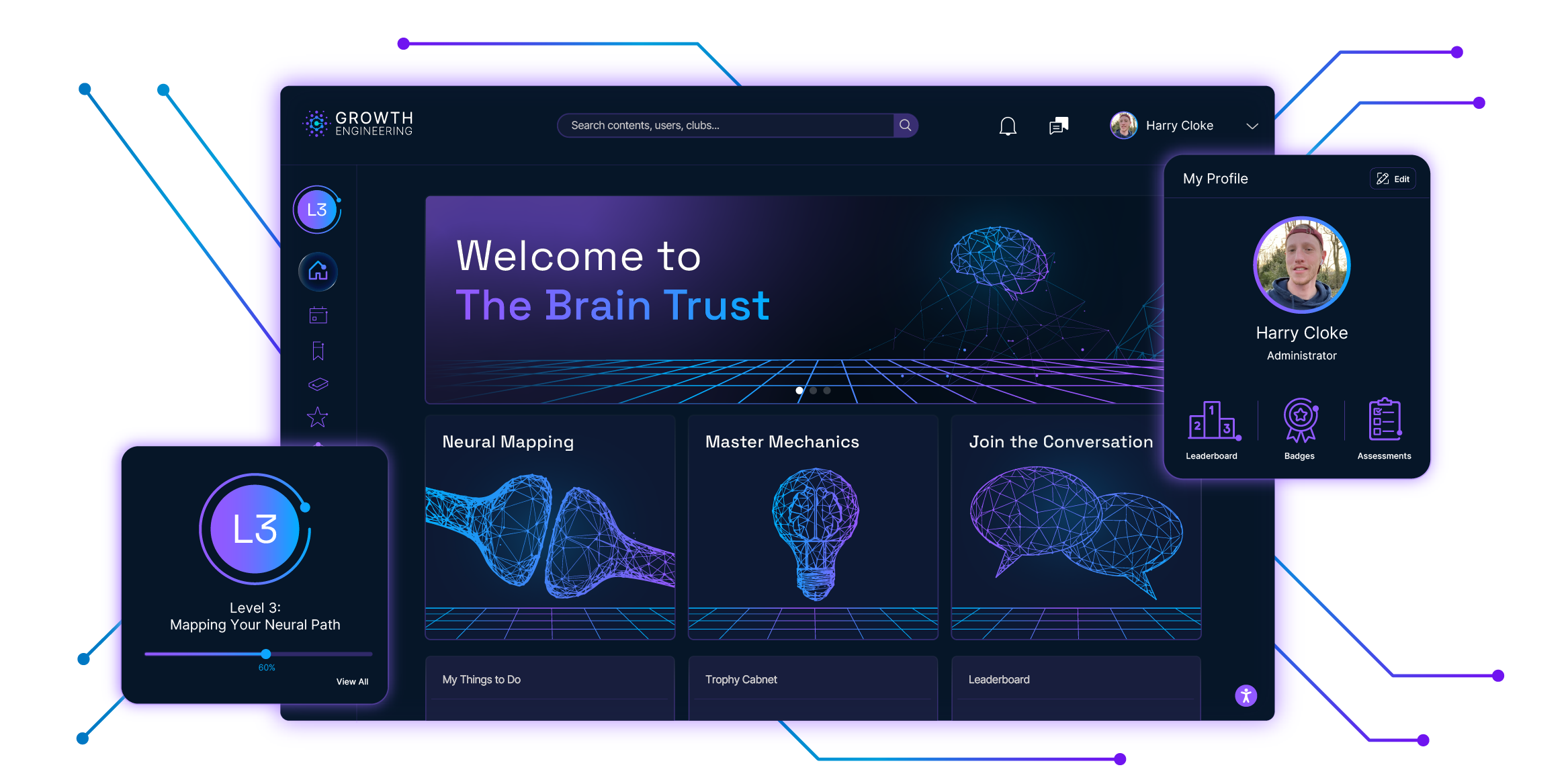
Welcome to your intelligent learning hub. We use Neurogogy to move beyond standard engagement and turn training into a high-value strategic asset.
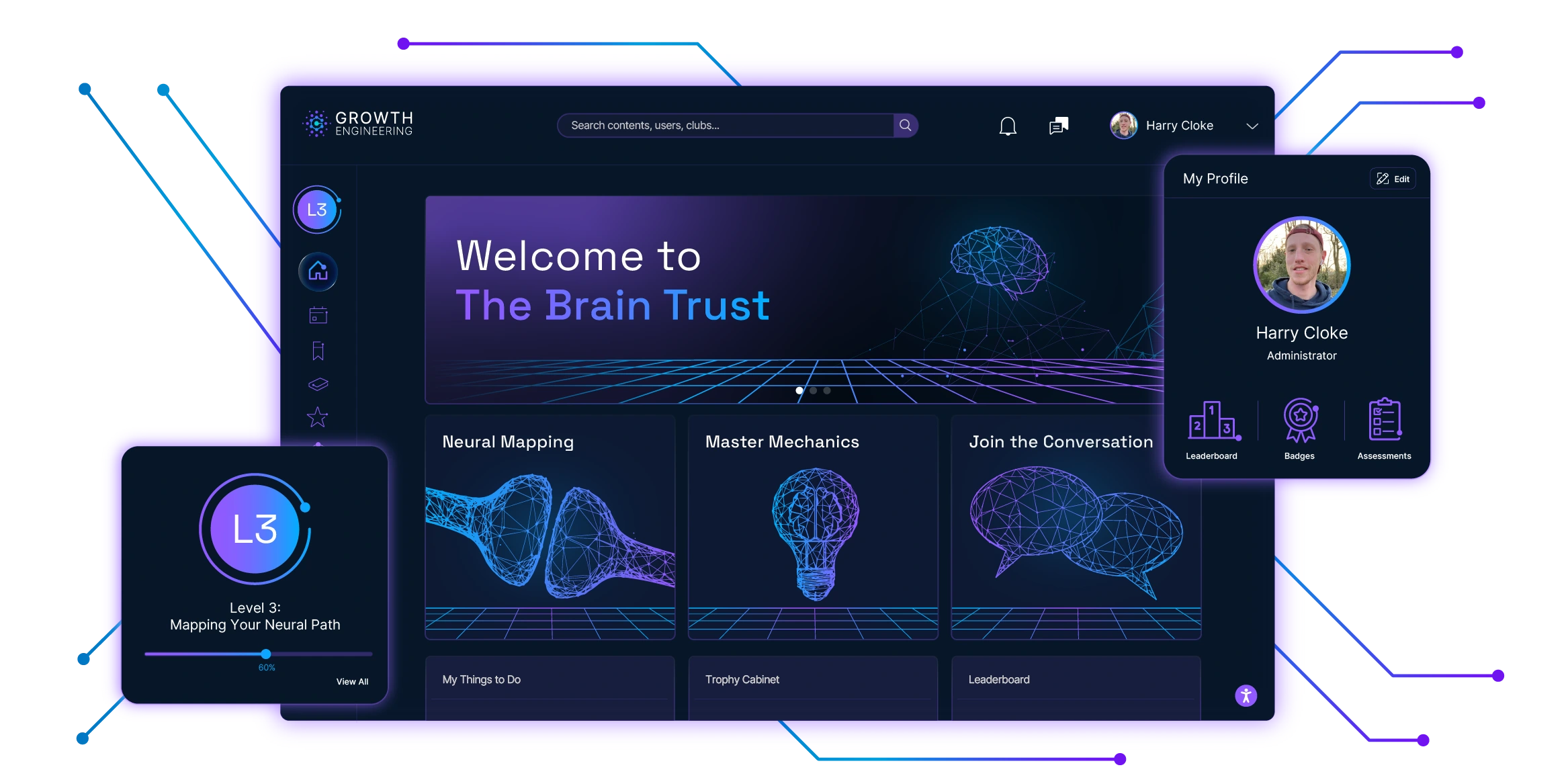
Your Learning Command Centre
One Engine. Three Core Functions.
Deliver
Get the right training to the right people, right when they need it. Push content instantly and build tailored learning pathways for every role.
Learn
Where content becomes capability. Spark collaboration, fuel friendly competition, and turn lessons into lasting skills.
Track
See what's working. Measure real skill growth and business impact, so you can prove training's value and keep getting better.
Powered by Neurogogy
Neuroscience × Learning Theory
This isn't just another learning platform. It's the first LMS engineered from the ground up on Neurogogy — the applied science of how the brain learns best.
By fusing neuroscience with learning theory, we ensure every feature on Growth Engineering LMS works with your team's biology, not against it.
See the Benefits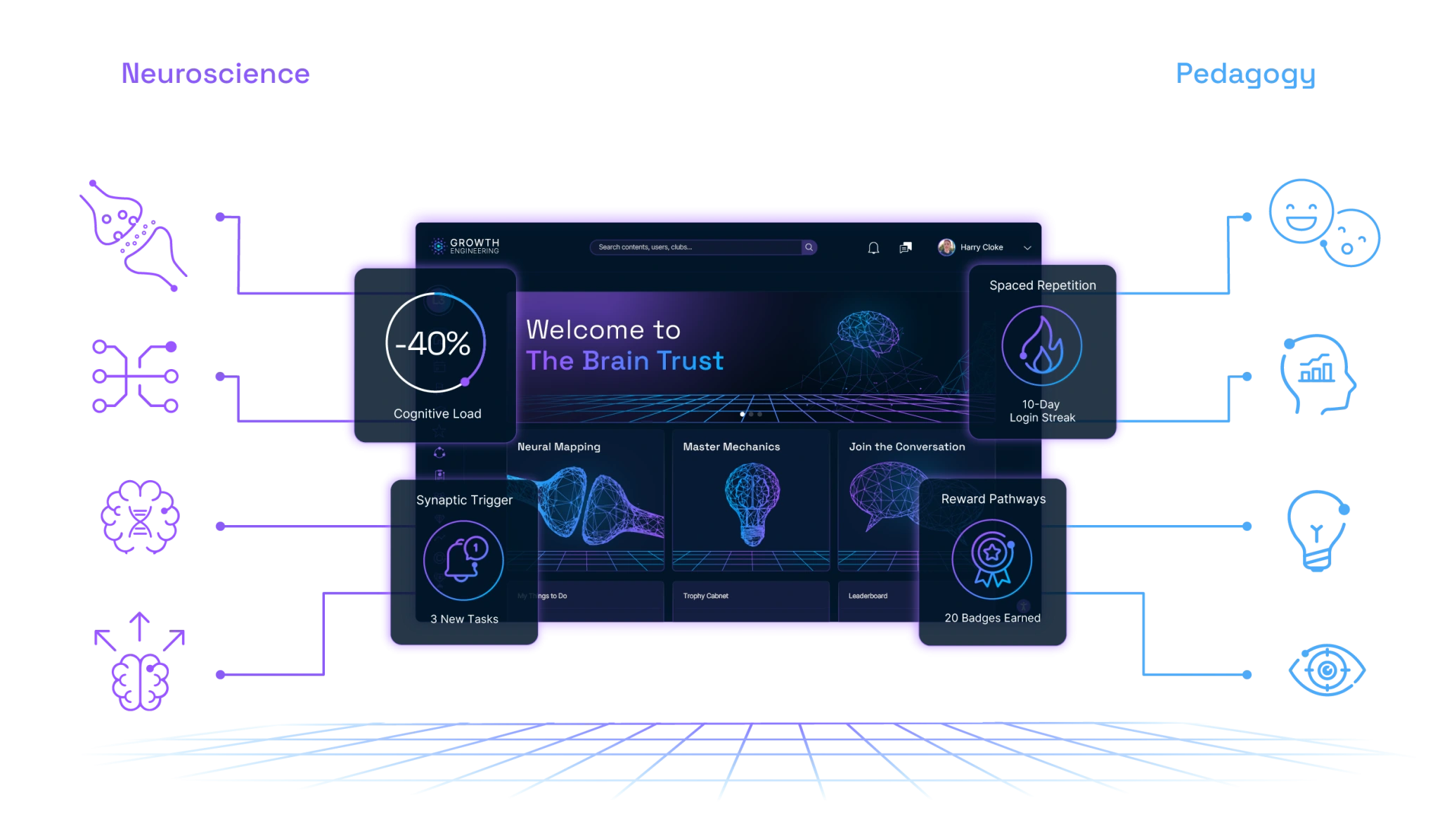
Features That Build Mastery
Built for Your Enterprise
Scalable Cloud-Hosting
Our robust cloud infrastructure ensures flawless performance for 10 or 10,000+ learners, with 99.9% uptime.
Enterprise-Grade Security
We are ISO 9001, 27001, & 42001 accredited and GDPR compliant, with enterprise-level encryption and protocols.
Seamless Integrations
Plug-and-play connections for your HRIS, CRM, and collaboration tools create a unified ecosystem, not another silo.
Accessibility Commitment
Our accessibility widget keeps your platform WCAG 2.2 AA compliant, ensuring an inclusive experience.
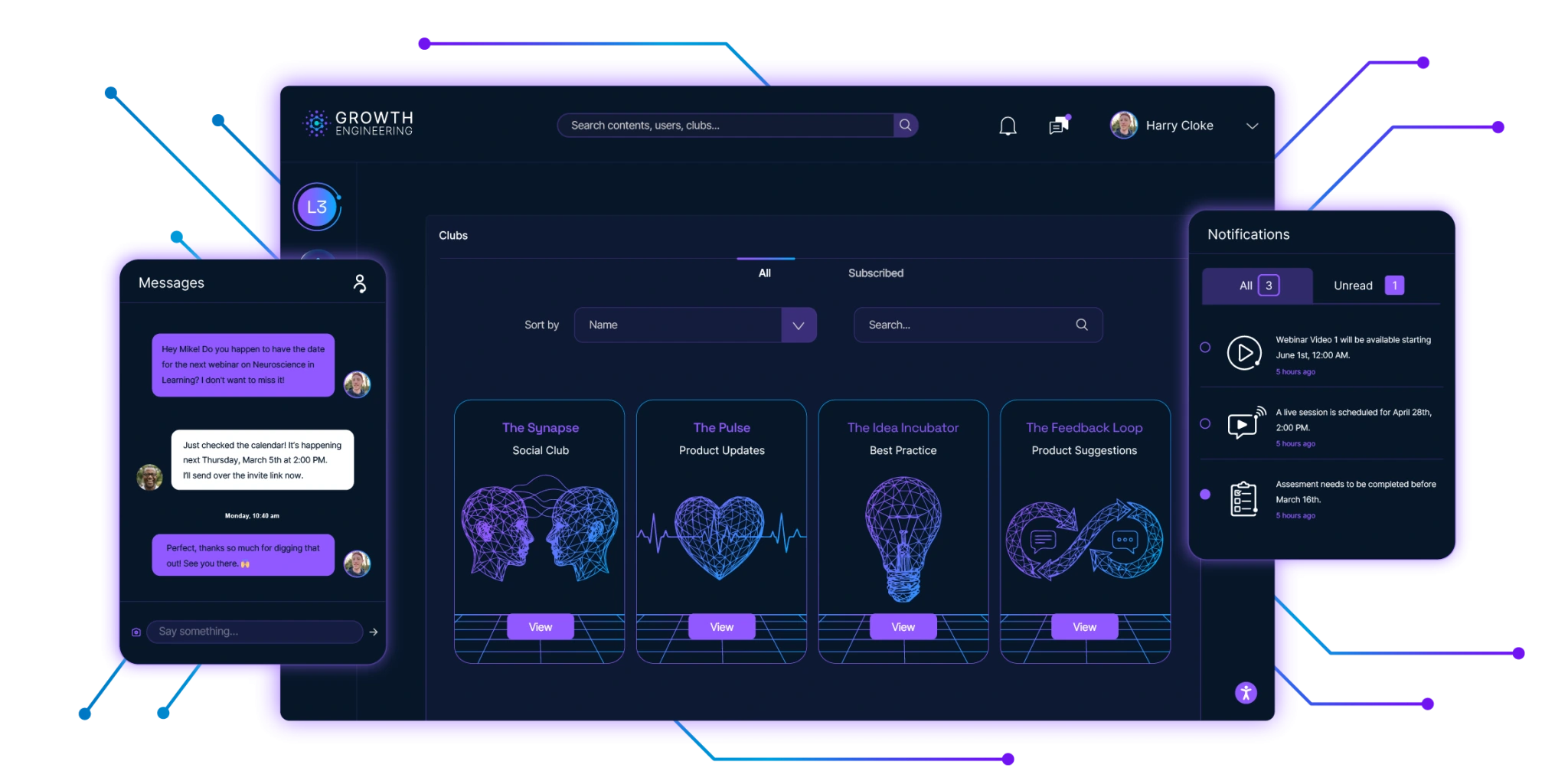
Solving Cognitive Challenges
Proof in Performance
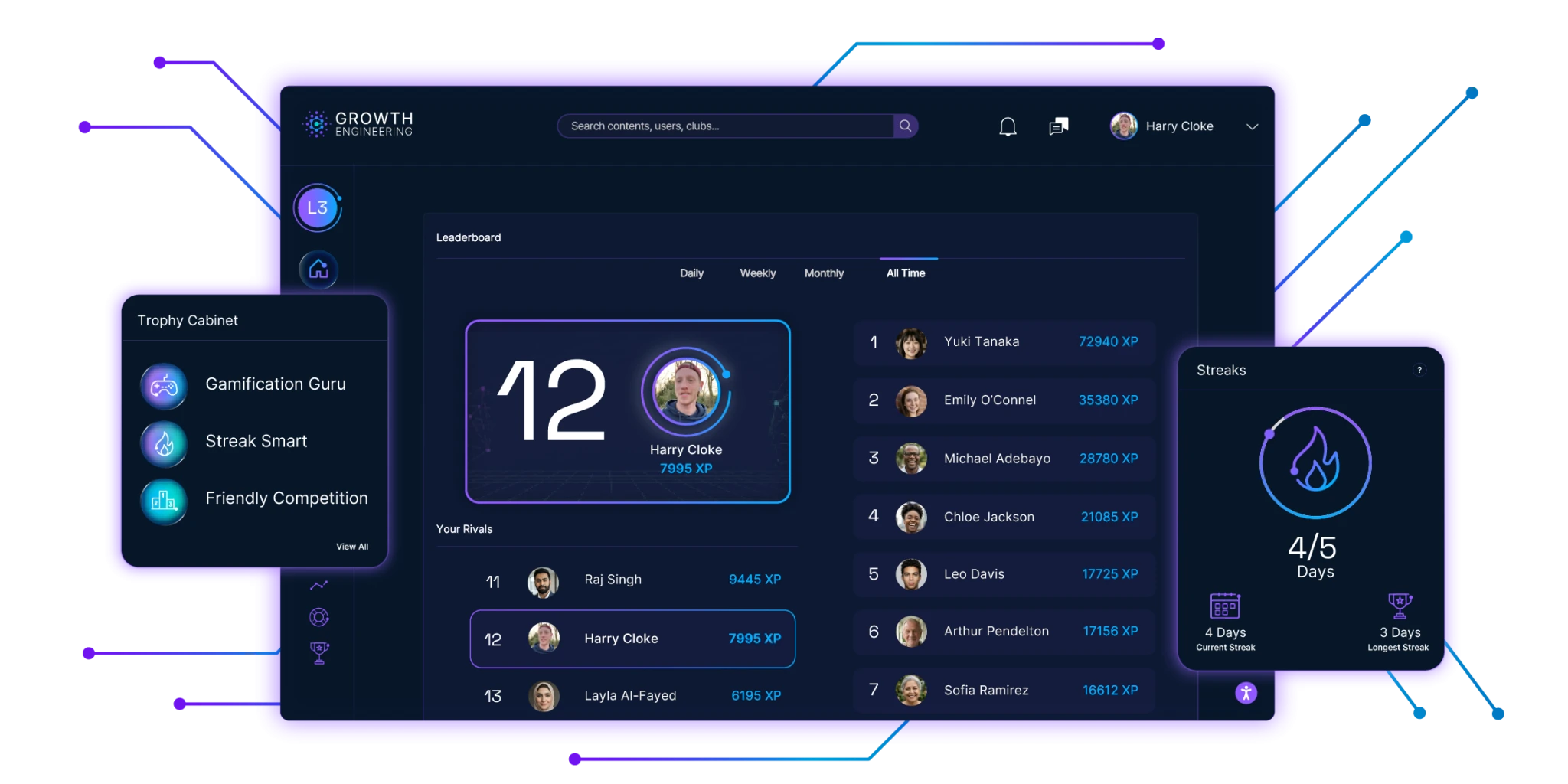
Quick Case Study
GAME Digital
UK video game leader GAME Digital implemented Growth Engineering LMS to upskill their sales floor. The result? Their average basket size increased by 94.3% and they saw a 19% rise in customer praise for staff. Game on!
Growth Engineering LMS FAQs
Transform Your Training
Stop managing content. Start engineering mastery. See how the world's most brain-aligned LMS drives the results you need.